Simulation
Deep simulation mechanics for serious RP economies. Banking, jobs, skills, business ownership, and realistic world systems that run your server's backbone. These scripts go beyond surface-level — they simulate real economies, progression, and cause-and-effect loops that keep players engaged for months.
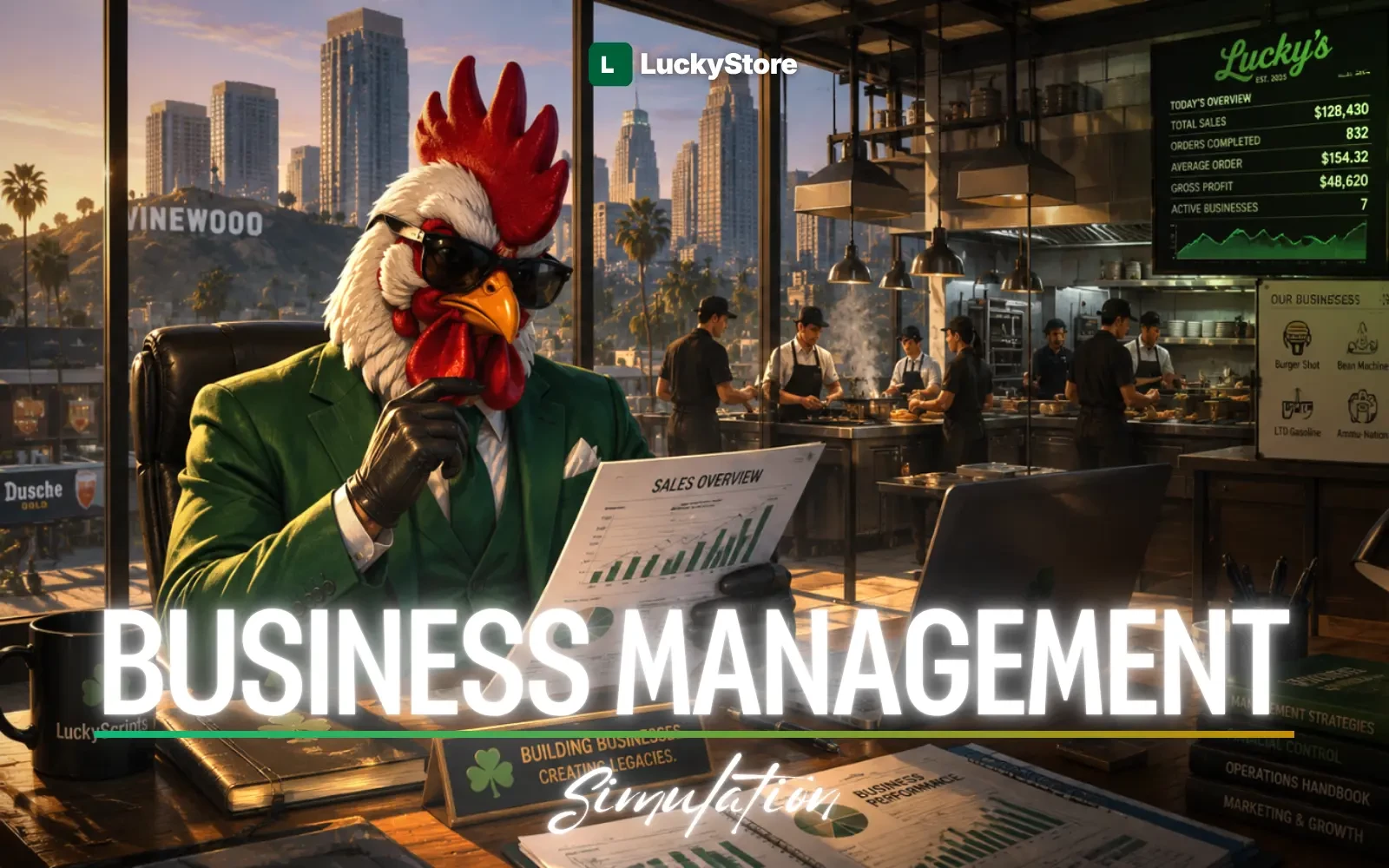
LuckyScripts | Business Management
Full-Featured, Optimized & Dynamic Restaurant/Business Management System for FiveM
A production-ready, Lua-based restaurant and business management framework built for FiveM servers. Designed with lazy-loading architecture, RAM-first caching, framework-agnostic bridge system, and complete ox_lib integration for a premium roleplay experience.
Includes inventory items images.
<!-- section:features -->
<h3>Multi-Restaurant Support </h3>
<p>Unlimited restaurants, each with independent menus, recipes, orders, and settings.</p>
<h3>Dynamic Menu Management </h3>
<p>Add, edit, remove menu items with categories and pricing in real-time.</p>
<h3>Kitchen Station System </h3>
<p>Cooking stations (Grill, Fryer, Oven, Coffee Machine) and Assembly stations (Prep Table, Drink Station).</p>
<h3>Dynamic Recipe System </h3>
<p>Create restaurant-specific recipes with custom ingredients, linked to menu items.</p>
<h3>Cart & Order System </h3>
<p>Full customer ordering flow with FIFO queue, status tracking, and real-time kitchen updates.</p>
<h3>Payment System</h3>
<p>Cash and bank card payments with customer confirmation flow.</p>
<h3>Receipt System</h3>
<p>Physical receipt items (ox_inventory) with metadata, single/bulk redemption at NPC.</p>
<h3>Tip System</h3>
<p>Configurable tip percentages (0-20%) added during payment.</p>
<h3>Discount System </h3>
<p>Time-limited hourly discounts targeting all products, categories, or specific items with overlap prevention.</p>
<h3>Z Report System</h3>
<p>Revenue analytics: total income, tips, payment method breakdown, discount stats.</p>
<h3>Wholesale Market</h3>
<p>NPC-based bulk ingredient purchasing via ox_inventory shop system </p>
<!-- /section:features -->
<!-- section:requirements -->
<p>Required: ox_mysql</p>
<p>Required: ox_lib</p>
<p>Required: ox_inventory</p>
<p>Required: ox_target or qb-target</p>
<p>Required: qbx_core or qb-core or ESX </p>
<!-- /section:requirements -->
<!-- section:compatibility -->
<p>Compatibility: ✓ ESX Legacy</p>
<p>Compatibility: ✓ QBox</p>
<p>Compatibility: ✓ QBCore</p>
<!-- /section:compatibility -->
<!-- section:faq -->
<!-- category:Technical -->
<h3>Q: Restaurants don't appear after server restart?</h3>
<p>A: Restaurants are lazy-loaded. They load on first player interaction. Use PreloadAllRestaurants() export if you want warm-up at startup. </p>
<!-- category:Technical -->
<h3>Q: Orders disappear after restart?</h3>
<p>A: By design. Active orders live only in RAM. Completed/cancelled orders are logged to lcky_orders_log.</p>
<!-- category:Technical -->
<h3>Q: Restaurant is always closed after restart?</h3>
<p>A: Intentional. ResetAllRestaurantsOpenStatus() runs on resource start. A manager must open the restaurant each session.</p>
<h3>Q: How do I add a new restaurant?</h3>
<p>A: 1) Add the job to your framework. 2) Add it to Config.Restaurants and Config.RestaurantJobs. 3) Use /restaurantadmin in-game to register it with coordinates.</p>
<!-- category:Technical -->
<h3>Q: How do I add new cooking station processes? </h3>
<p>A: Edit shared/config_stations.lua → Add entries to Config.CookingStations[stationType].processes. </p>
<!-- category:Technical -->
<h3>Q: How do I add new assembly ingredients? </h3>
<p>A: Add entries to Config.AssemblyIngredients in config_stations.lua. </p>
<!-- category:Technical -->
<h3>Q: How do I add a new menu category?</h3>
<p>A: Add an entry to Config.MenuCategories in config.lua.</p>
<!-- category:Support-->
<h3>Q: NEED HELP?</h3>
<p>A: JOIN DISCORD.</p>
<!-- /section:faq -->